

Your Cart
0 products
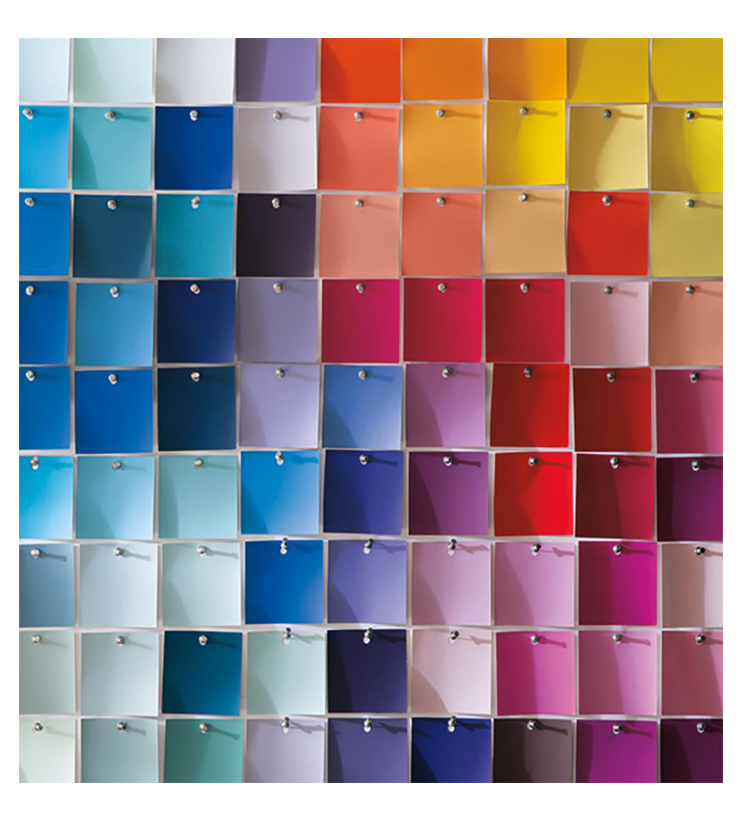
A project is a list of colours you put together for a room, a home or a job. You can create as many as you need.
Create a project. In your account open “Projects”, then click “New Project”. Colours saved without a specific project land in “Unsorted”.
Add a colour. Type its number or name in the field at the top of the project.
Notes and areas. Hover a colour and click the note icon to record where it goes and how many m² you need to paint. You can also add a general note to the project.
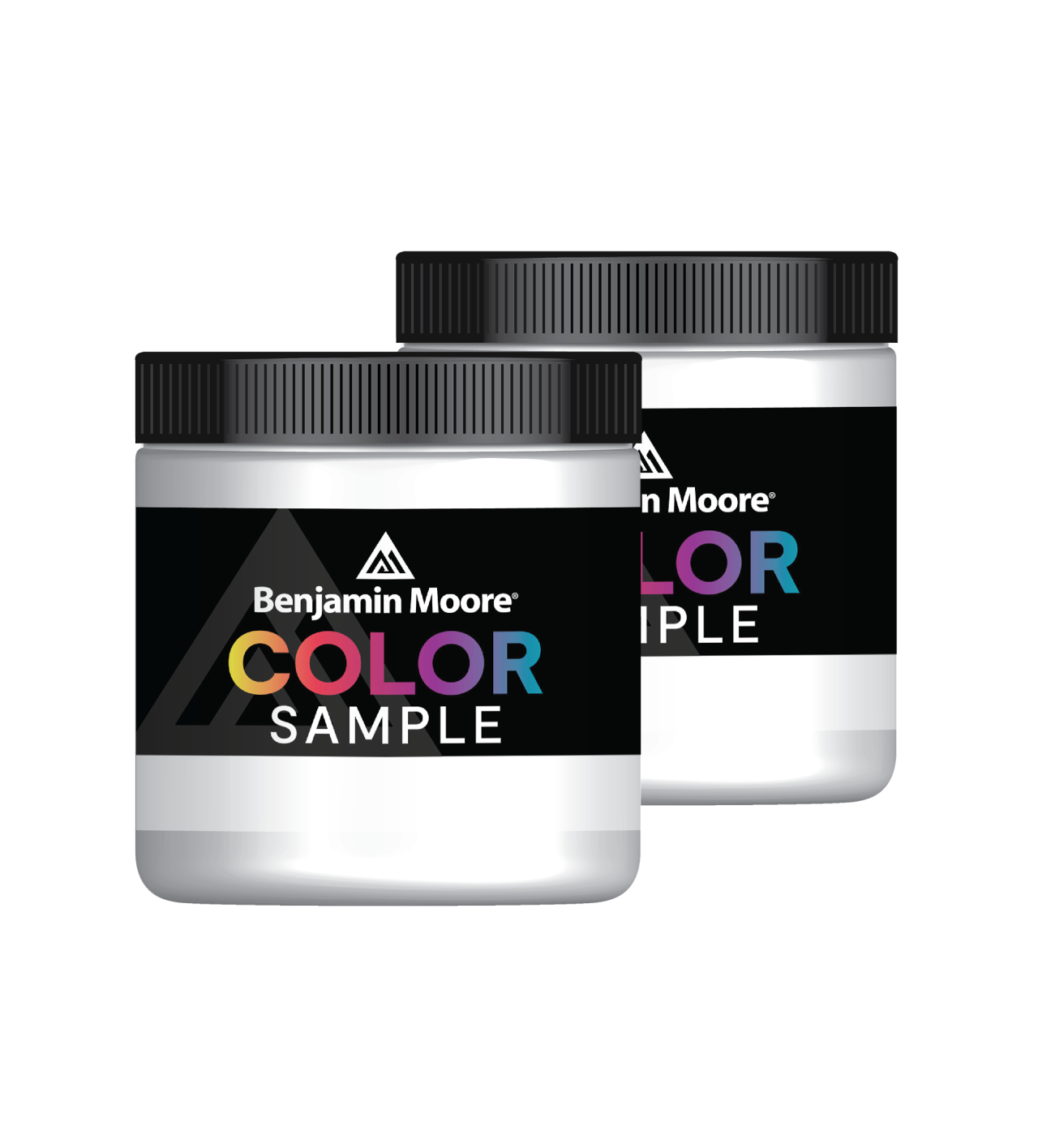
Order the samples. The button at the bottom of the project adds one sample of each colour to your basket.